


| 모델# | 파장 테스트 | 다이나믹 레인지 | 이벤트/감쇠 데드존 |
| 8000MAX-S1 | 1310/1550nm | 32/30dB | 0.8/4 |
| 8000MAX-S2 | 1310/1550nm | 35/33dB | 0.8/4m |
| 8000MAX-T2 | 1310/1550/1625nm | 35/33/32dB | 0.8/4m |
| 8000MAX-T3 | 1310/1550/1650nm | 35/33/32dB | 0.8/4m |
| 8000MAX-M1 | 850/1300nm | 20/26dB | 1.2/5m |
| 8000MAX-Q1 | 1310/1550/850/1300nm | 28/26/20/26dB | 0.8/4m, 1.2m/5m |
|
8000MAX-10G1 |
1310/1550/1270/1577/1625nm |
37/35/35/35/35/35dB |
0.8/4m, 1.2m/5m |
|
8000MAX-10G2 |
1310/1550/1270/1577/1650nm |
37/35/35/35/35/35dB |
0.8/4m, 1.2m/5m |
참고: 모든 옵션 모델을 확인하려면 카탈로그를 다운로드하세요. 고객님의 요청에 따라 OTDR을 맞춤 제작해 드릴 수도 있습니다.
모델 8000MAX-10G는 GPON, XGPON, XGSPON 파이버 네트워크 테스트용입니다.
하나만 사면 모두 드립니다
- OTDR(자동)
- OTDR(수동 | 평균)
- OTDR(실시간)
- 이벤트 맵
- 광 파워 미터(OPM)
- 광학 광원(OLS)
- 손실 테스트
- 시각적 결함 위치 지정기(VFL)
- 광섬유 단면 검출기
- 결과 형식 Sor & PDF
새로운 기능
- 발사 케이블 및 수신 케이블 적용 가능, 추적에서 공제 허용
- 두 개의 파장으로 테스트 작업을 동시에 처리
- 서비스 라이트 감지 및 시동 보호
메뉴 언어
- 영어
- 스페인어
- 러시아어
- 한국인
- 프랑스어
- 포르투갈
- 이탈리아어
- 히브리어
키트에는 다음이 포함됩니다
- OTDR
- FC/SC 커넥터
- 사용 설명서,
- 터치펜
- OTDRviewer 소프트웨어
- 전원 충전 어댑터,
- 운반 가방
- 교정 인증서
8000MAX OTDR 비디오 데모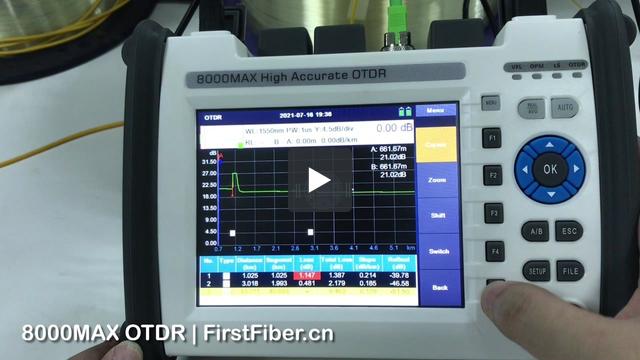
8000MAX OTDR 스플리터 테스트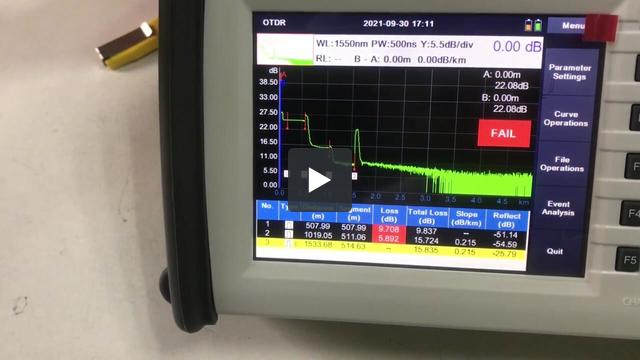
8000MAX OTDR 런치 케이블 세팅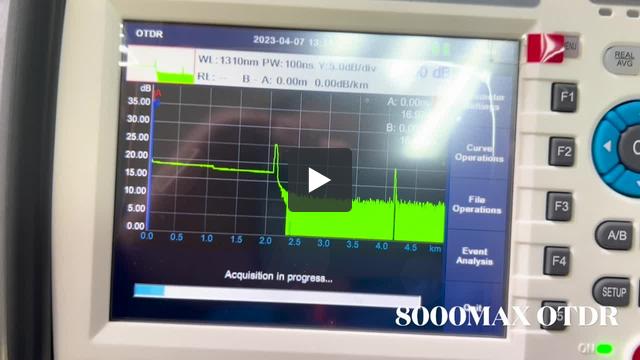
This is because the software is lack of right to write data to your computer. To solve it, please
- run the software by adminstrator.
or
- install the software in D disk, E disk, or any other disk, but not C disk.


Hi, this is because that parameter in OTDR is not same with parameter in PC software. Please change analysis parameters in PC same as OTDR.
A customer complains During generatiing of PDF File with test results marker A is visible on PDF File but marker B isn't visible on page.
It seems like there is a problem with scaling of results during export to PDF files.
During test where 2 files are created SOR and PDF in SOR file results are looking good. It's only problem with export to PDF.

Please check this out and send newest firmware if You had such problem earlier.
If not please check out and give us some updates once it's very high end client and they may order a 10 OTDRs more once we resolve this issue.
This is a softwere bug. Please upgrade your OTDR by the following steps to fix the bug.
Step 1.
Prepare a FAT32 USB flash disk.
Step 2.
Put the upgrade file into the USB flash disk. Be careful not to rename the file.
Step 3.
Insert the USB flash disk into the USB port of OTDR and wait for the USB icon to appear in the OTDR status bar.
Step 4.
Enter the system setting interface of OTDR and click the "upgrade" button.
Then, the screen will display the software upgrade interface, and the upgrade operation will be completed after the software is automatically restarted.
Step 5.
Finished.
Note: the upgrade file is for 8000MAX OTDRs that were pre-installed PDF generater. We strongly suggest you send us your OTDR series number to check if your OTDR can be upgraded or not before you upgrade your OTDR. You can contact our tech support by email tech@FirstFiber.cn
| Instructions | |
| Model Number | Max 8 characters, no special characters allowed. |
| Logo | High Resolution. (.jpg, .bmp, .psd, .cdr, etc) |
| Boot Screen | 800x480 px, format .bmp, and color depth 16-bit |
| Language | Please contact sales to request the English version of the field list. |
| Model | Qty/Carton | Net Weight | Gross Weight | Size |
| 8000MAX | 5 | 12.5 KG | 15 KG | 53x75x29cm |
| Model | Qty/Carton | Net Weight | Gross Weight | Size |
| 8000MAX | 1 | 2.5 KG | 3 KG | 26x20x16cm |


